80 releases (46 breaking)
| 0.46.1 | Dec 24, 2024 |
|---|---|
| 0.46.0 | Sep 12, 2024 |
| 0.45.2 | Aug 8, 2024 |
| 0.45.1 | Apr 25, 2024 |
| 0.7.0 | Nov 23, 2017 |
#21 in Visualization
100 downloads per month
Used in 3 crates
120KB
3K
SLoC
urdf-viz




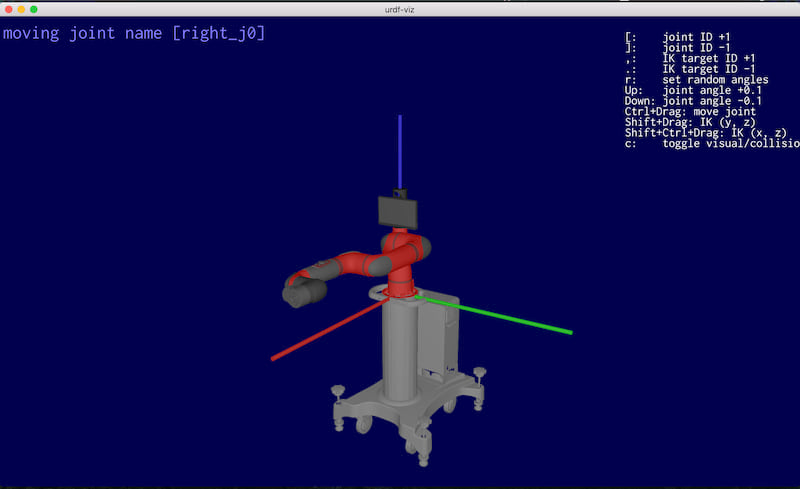
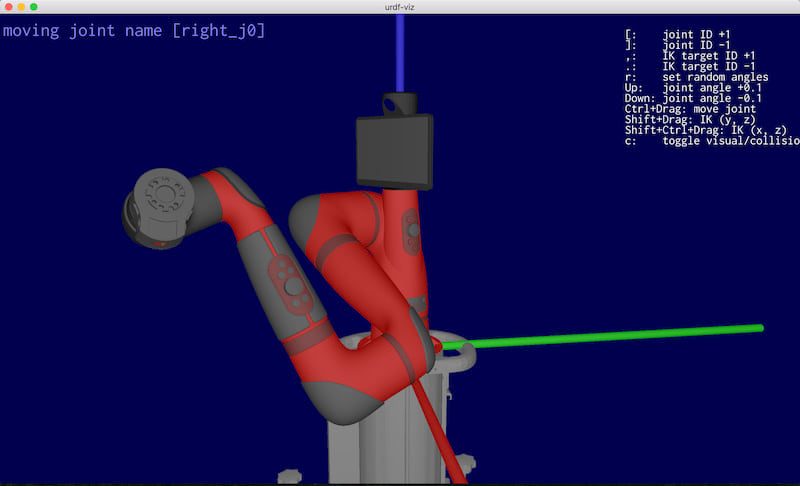
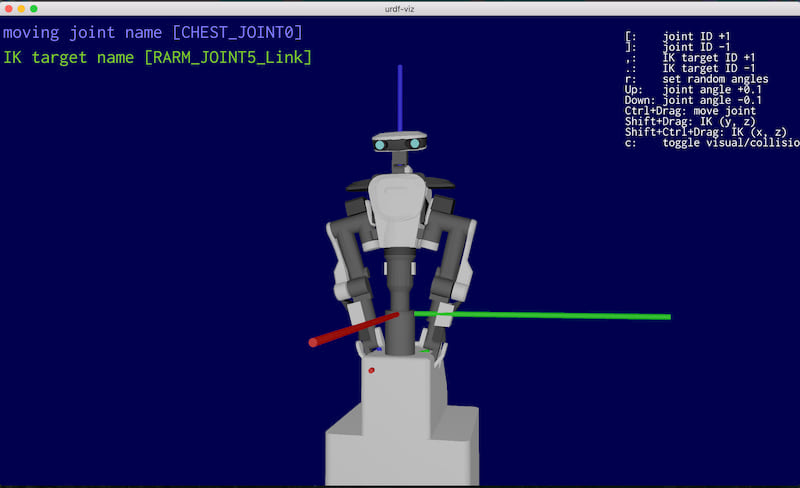
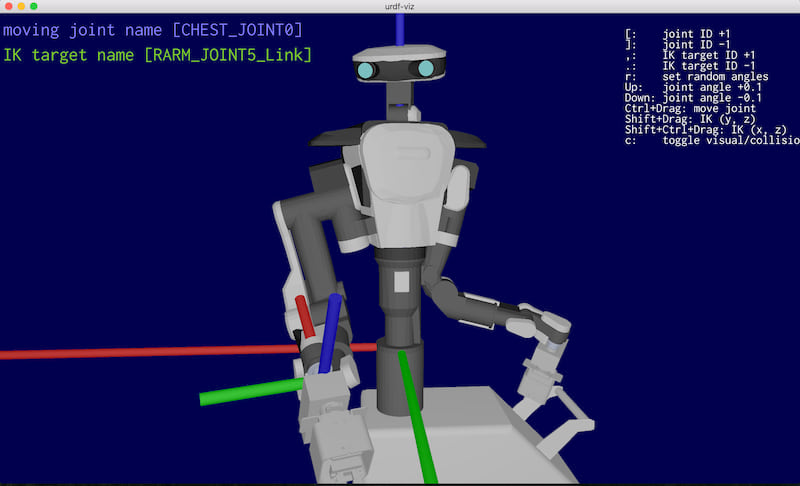
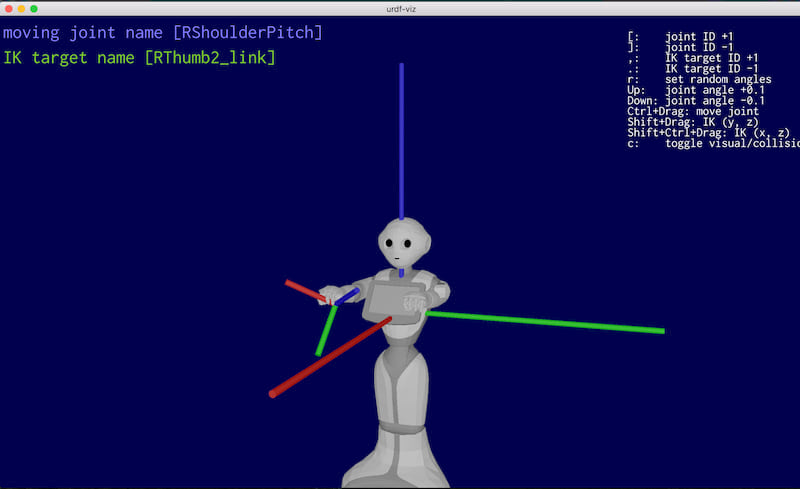
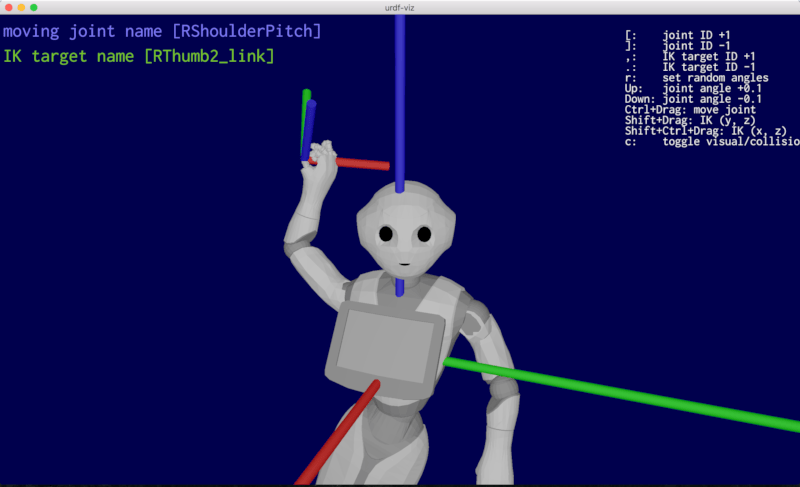
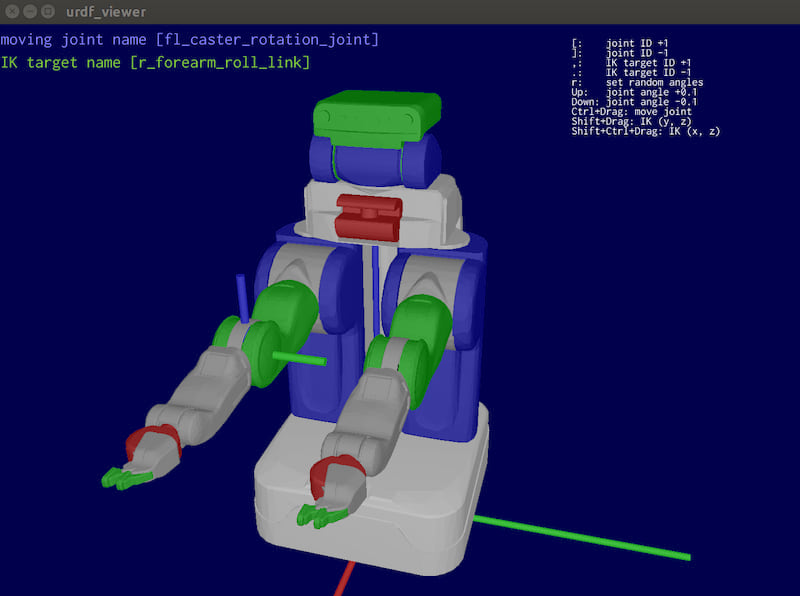
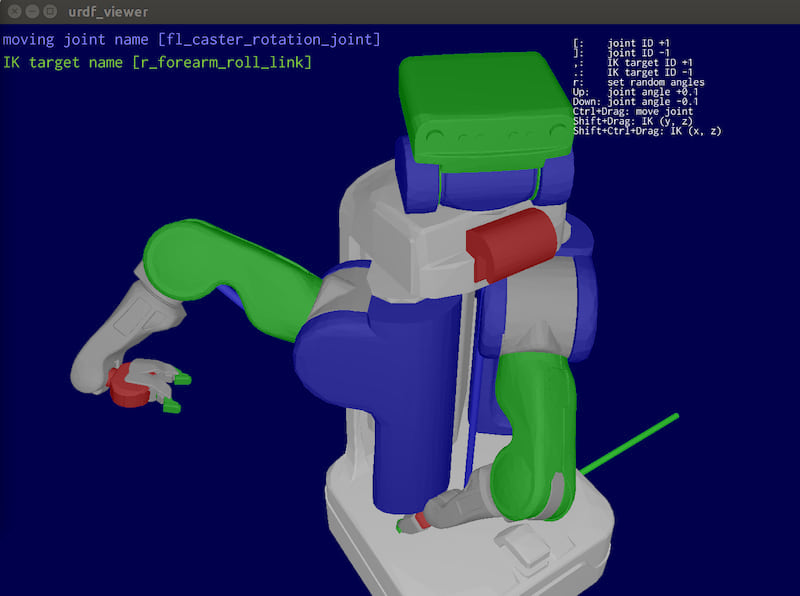
Visualize URDF(Unified Robot Description Format) file.
urdf-viz is written in Rust-lang.
Install
Install with cargo
If you are using rust-lang already and cargo is installed, you can install by cargo install.
cargo install urdf-viz
If you want to use mesh other than .obj, .stl, and .dae files, you need to install
with assimp like below.
cargo install urdf-viz --features assimp
Pre-requirements for build
Common
If you want to use --features assimp to use mesh other than .obj, .stl, and .dae files, you need cmake.
On Linux
If you have not installed ROS, you may need cmake, xorg-dev, glu to
compile assimp-sys and glfw-sys.
sudo apt-get install cmake xorg-dev libglu1-mesa-dev
Download binary
You can download prebuilt binaries from the release page. Prebuilt binaries are available for macOS, Linux, and Windows (static executable).
Install via Homebrew
You can install urdf-viz using Homebrew tap on macOS and Linux:
brew install openrr/tap/urdf-viz
How to use
urdf-viz command will be installed.
It needs rosrun and rospack to resolve package:// in <mesh> tag, and
it uses xacro to convert .xacro file into urdf file.
It means you need $ source ~/catkin_ws/devel/setup.bash or something before using urdf-viz.
urdf-viz URDF_FILE.urdf
It is possible to use xacro file directly.
It will be converted by rosrun xacro xacro inside of urdf-viz.
urdf-viz XACRO_FILE.urdf.xacro
If your xacro file has some arguments, you can pass them by --xacro-args option.
urdf-viz XACRO_FILE.urdf.xacro --xacro-args arg1=value arg2=value
For other options, please read the output of -h option.
urdf-viz -h
If there are no "package://" in mesh tag, and don't use xacro you can skip install of ROS.
If there are "package://" in mesh tag, but path or URL to package is known and don't use xacro you can also skip install of ROS by replacing package with path or URL.
GUI Usage
In the GUI, you can do some operations with keyboard and mouse.
lkey to reload the urdf from fileckey to toggle collision model or visual mode- Move a joint
- set the angle of a joint by
Up/Downkey Ctrl+ Drag to move the angle of a joint- change the joint to be moved by
o([) andp(])
- set the angle of a joint by
- Inverse kinematics (only positions)
Shift+ Drag to use inverse kinematics(Y and Z axis)Shift+Ctrl+ Drag to use inverse kinematics(X and Z axis)- change the move target for inverse kinematics by
,or.
rkey to set random jointszkey to reset joint positions and origin- Move view point
- Mouse Right Drag to translate view camera position
- Mouse Left Drag to look around
- Scroll to zoom in/out
Web I/O interface
You can set/get the joint angles using http/JSON.
Default port number is 7777. You can change it by -p option.
(jq is used for JSON formatter in the following examples)
Set joint angles
POST the JSON data, which format is like below. You have to specify the names of joints and positions (angles).
The length of names and positions have to be the same. You don't need write
all joint names, it means you can specify a part of the joints.
{
  "names": ["joint_name1", "joint_name2"],
  "positions": [0.5, -0.1]
}
You can try it using curl.
$ curl -H "Accept: application/json" -H "Content-type: application/json" -X POST -d '{"names": ["r_shoulder_yaw", "r_shoulder_pitch"], "positions": [0.8, -0.8]}' http://127.0.0.1:7777/set_joint_positions | jq
{
  "is_ok": true,
  "reason": ""
}
Get joint angles as JSON
The result JSON format of getting the joint angles is the same as the Set method.
$ curl http://127.0.0.1:7777/get_joint_positions | jq
{
  "names": [
    "r_shoulder_yaw",
    "r_shoulder_pitch",
    "r_shoulder_roll",
    "r_elbow_pitch",
    "r_wrist_yaw",
    "r_wrist_pitch",
    "l_shoulder_yaw",
    "l_shoulder_pitch",
    "l_shoulder_roll",
    "l_elbow_pitch",
    "l_wrist_yaw",
    "l_wrist_pitch"
  ],
  "positions": [
    0.8,
    -0.8,
    -1.3447506,
    -1.6683152,
    -1.786362,
    -1.0689334,
    0.11638665,
    -0.5987091,
    0.7868867,
    -0.027412653,
    0.019940138,
    -0.6975361
  ]
}
Set Robot Origin
$ curl -H "Accept: application/json" -H "Content-type: application/json" -X POST -d '{"position":[0.2,0.0,0.0],"quaternion":[0.0,0.0,0.0,1.0]}' http://127.0.0.1:7777/set_robot_origin
{"is_ok":true,"reason":""}
The order of the quaternion elements is w, i, j, k.
Get Robot Origin
$ curl http://127.0.0.1:7777/get_robot_origin
{"position":[0.2,0.0,0.0],"quaternion":[1.0,0.0,0.0,0.0]}
Get URDF Text
curl http://127.0.0.1:7777/get_urdf_text
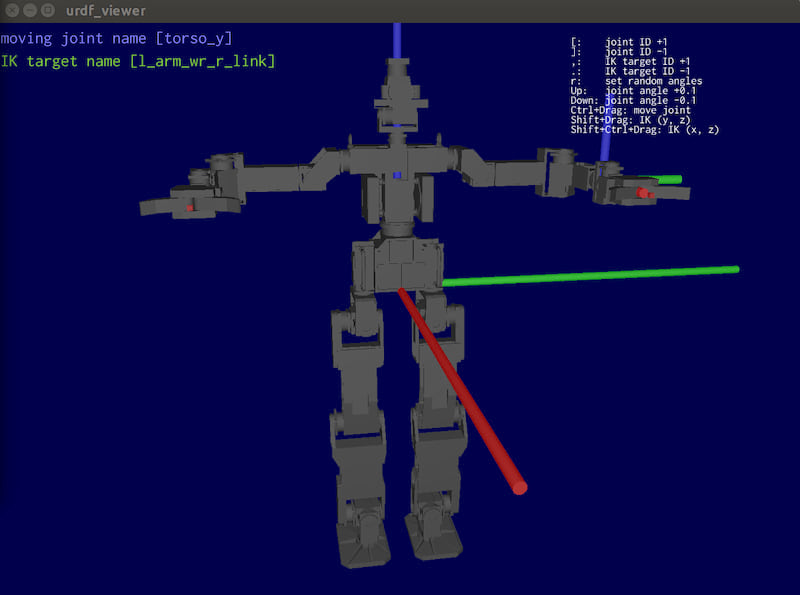
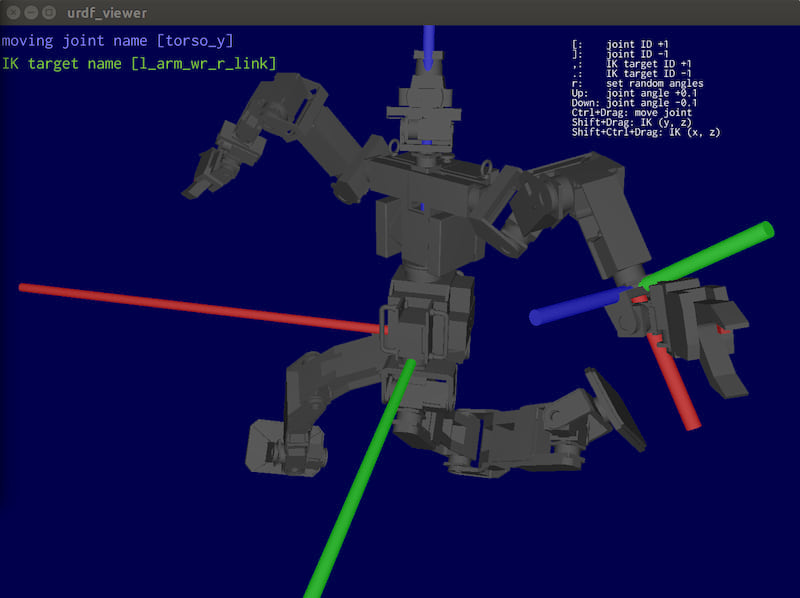
Gallery
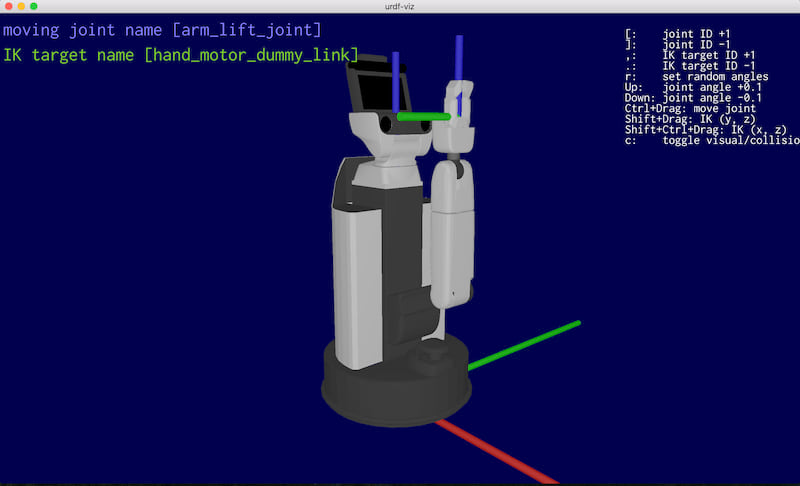
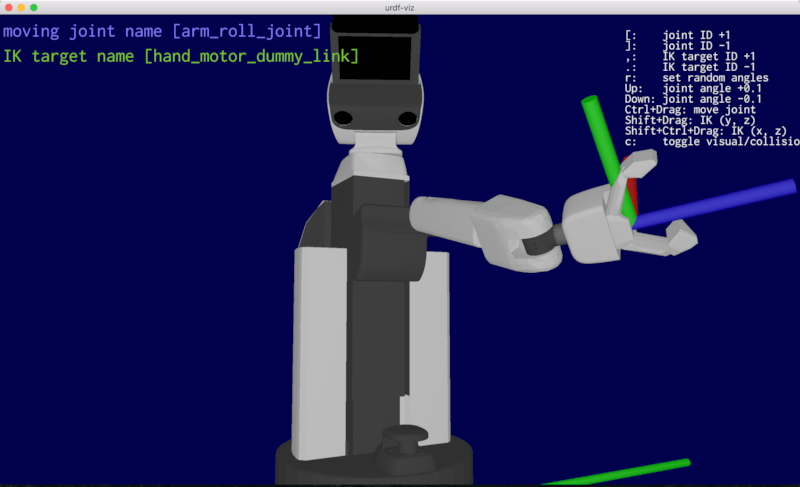
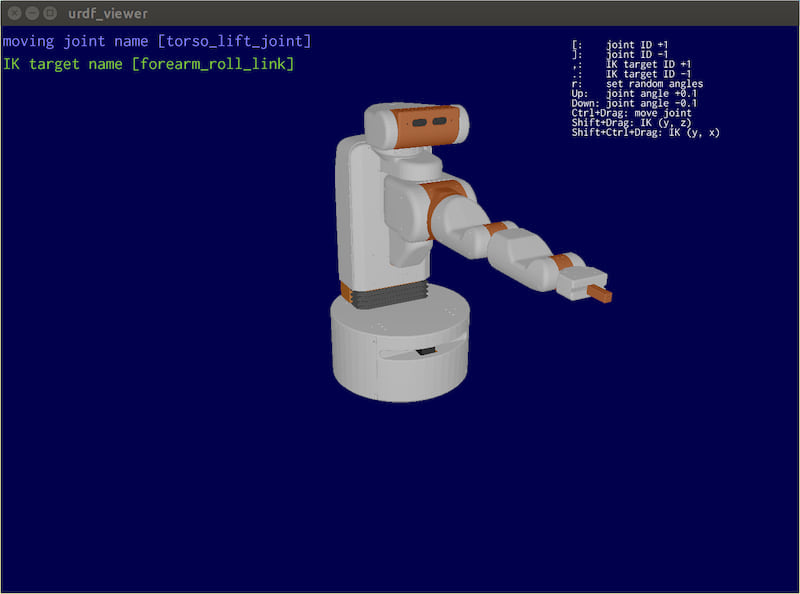
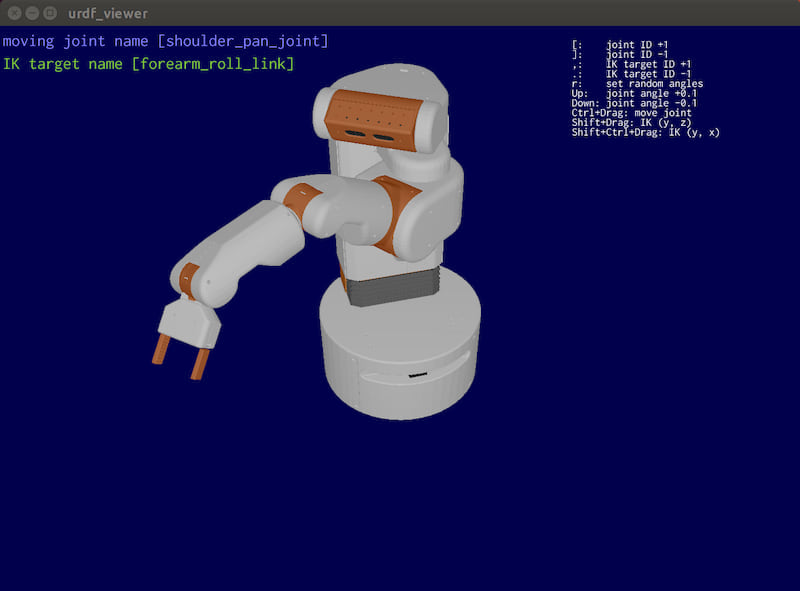
Dependencies
- kiss3d:
urdf-vizis strongly depend onkiss3d, which is super easy to use, great 3D graphic engine. - nalgebra: linear algebra library.
- k: kinematics library which is based on nalgebra. It can load URDF files using
urdf-rs. - mesh-loader: Mesh files (
.obj,.stl, and.dae) loader. - urdf-rs: URDF file loader.
- structopt: super easy command line arguments parser.
OpenRR Community
Here is a discord server for OpenRR users and developers.
Dependencies
~21–42MB
~656K SLoC