12 releases
| 0.1.85 | Mar 16, 2025 |
|---|---|
| 0.1.84 | Nov 9, 2024 |
| 0.1.83 | Aug 30, 2024 |
| 0.1.81 | Jun 24, 2024 |
| 0.1.3 | Jan 6, 2024 |
#377 in Template engine
1,494 downloads per month
Used in jinja-lsp
86KB
2.5K
SLoC
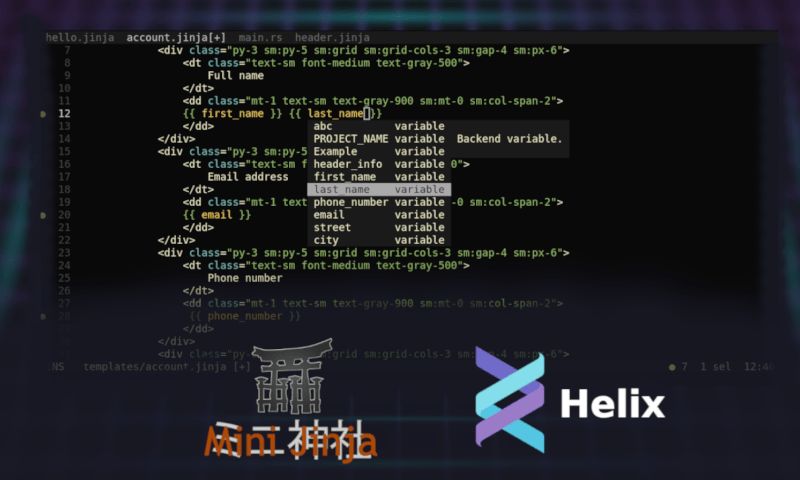
jinja-lsp enhances minijinja development experience by providing Helix/Nvim users with advanced features such as autocomplete, syntax highlighting, hover, goto definition, code actions and linting.


Installation
cargo install jinja-lsp
Features
Autocomplete
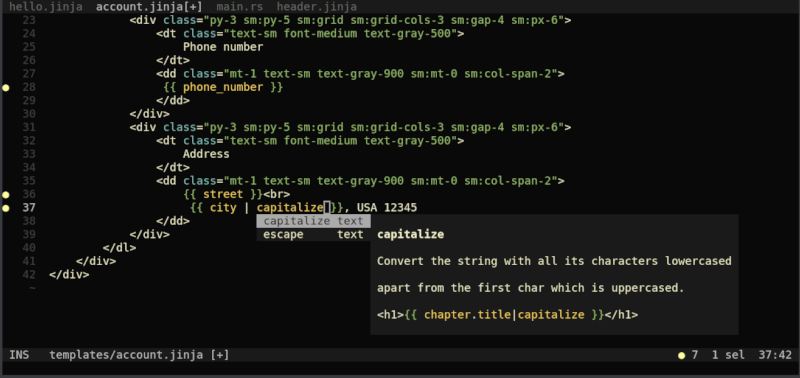
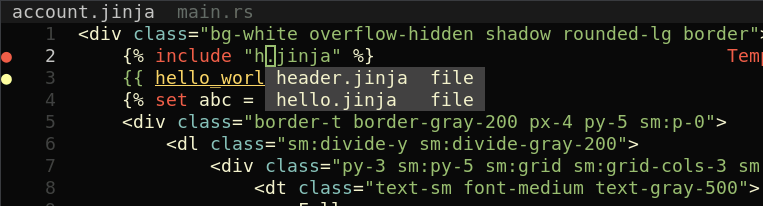
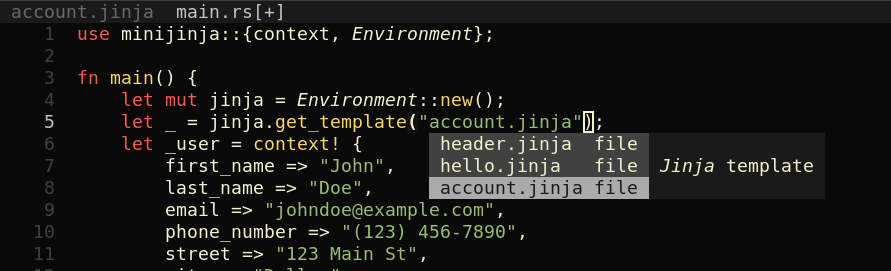
Intelligent suggestions for variables in current template, as well as variables, templates and filters defined on backend side.
Linting
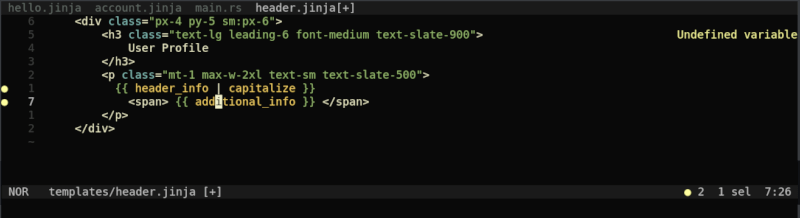
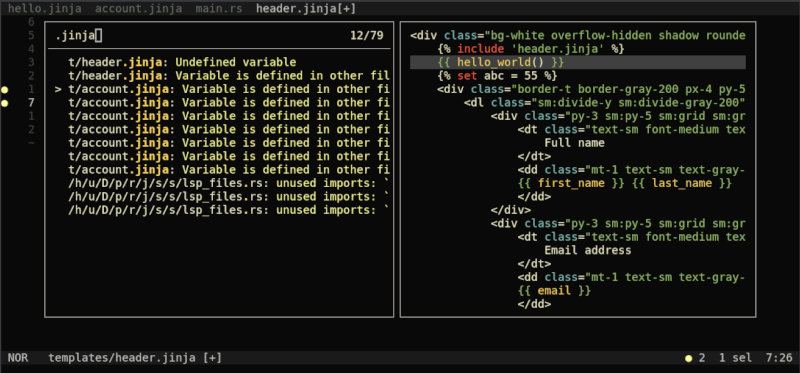
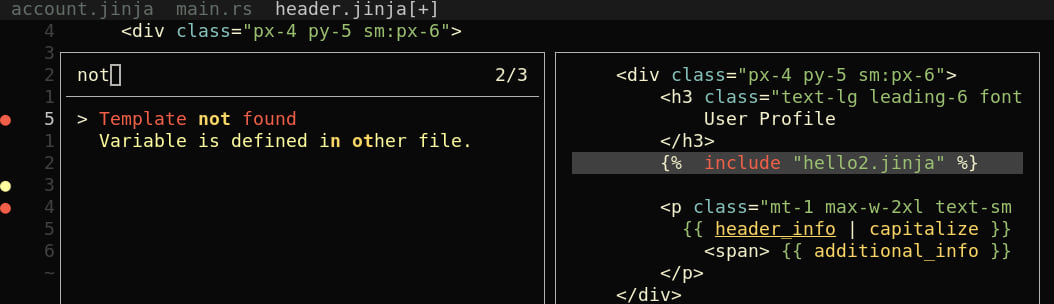
Highlights errors and potential bugs in your jinja templates.
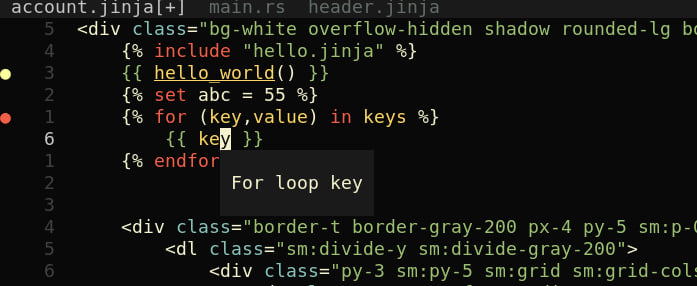
Hover Preview
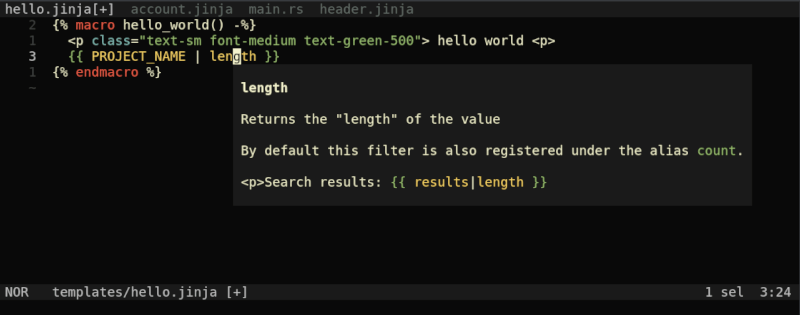
See the complete filter or variable description by hovering over it.
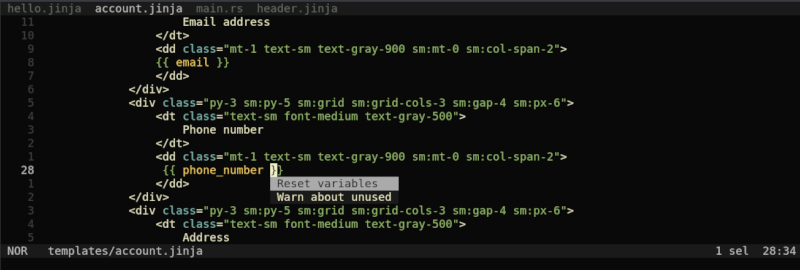
Code Actions
It's recommended to reset variables on server in case you rename/delete file.
Goto Definition
Quickly jump to definition. Works for Rust identifiers as well.
https://github.com/uros-5/jinja-lsp/assets/59397844/015e47b4-b6f6-47c0-8504-5ce79ebafb00
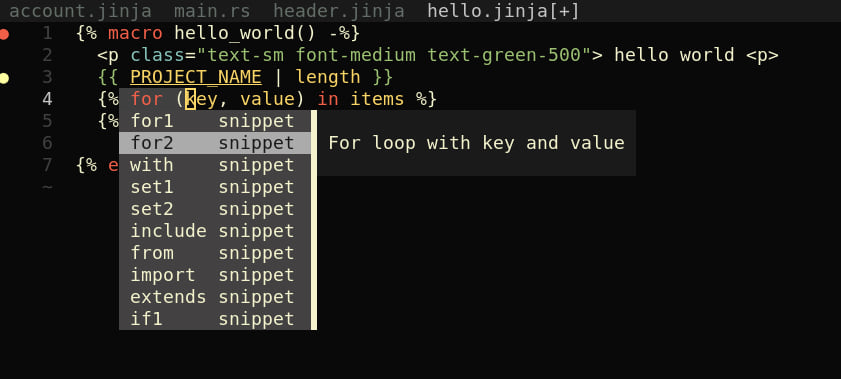
Snippets
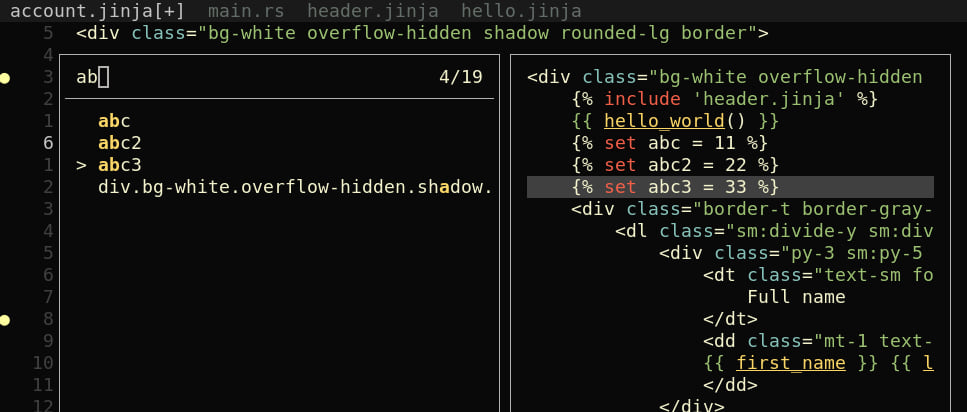
Document symbols
Configuration
Language server configuration
{ "templates": "./TEMPLATES_DIR", "backend": ["./BACKEND_DIR"], "lang": "rust"}
Helix configuration
[language-server.jinja-lsp]
command = "jinja-lsp"
config = { templates = "./templates", backend = ["./src"], lang = "rust"}
timeout = 5

[[language]]
name = "jinja"
language-servers = ["jinja-lsp"]
Neovim configuration
vim.filetype.add {
  extension = {
    jinja = 'jinja',
    jinja2 = 'jinja',
    j2 = 'jinja',
  },
}

-- if you want to debug
vim.lsp.set_log_level("debug")

local nvim_lsp = require('lspconfig')
local configs = require('lspconfig.configs')

if not configs.jinja_lsp then
configs.jinja_lsp = {
  default_config = {
    name = "jinja-lsp",
    cmd = { 'path_to_lsp_or_command' },
    filetypes = { 'jinja', 'rust' },
    root_dir = function(fname)
      return "."
      --return nvim_lsp.util.find_git_ancestor(fname)
    end,
    init_options = {
      templates = './templates',
      backend = { './src' },
      lang = "rust"
    },
},
}
end
local capabilities = require('cmp_nvim_lsp').default_capabilities(vim.lsp.protocol.make_client_capabilities())
nvim_lsp.jinja_lsp.setup {
  capabilities = capabilities
}
nvim_lsp.jinja_lsp.setup {
}
You can also write configuration in: pyproject.toml, Cargo.toml, jinja-lsp.toml.
[jinja-lsp]
templates = "./templates"
backend = ["./src"]
lang = "rust"
Supported languages: Python, Rust
Dependencies
~19–27MB
~557K SLoC